Skip to main content
How to change fleet in smartacars for a schedule
In our scheduled flights we use aircraft that are used in real life.
However, if you want to use a different one. You have to change the aircraft in SmartCARS as well.
We will show you an example.
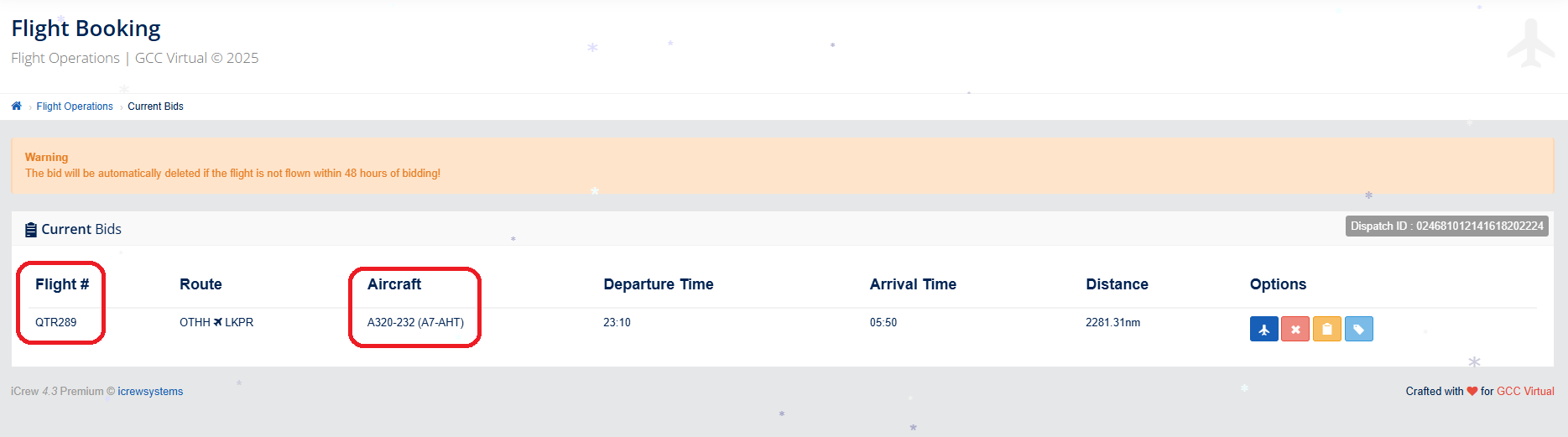
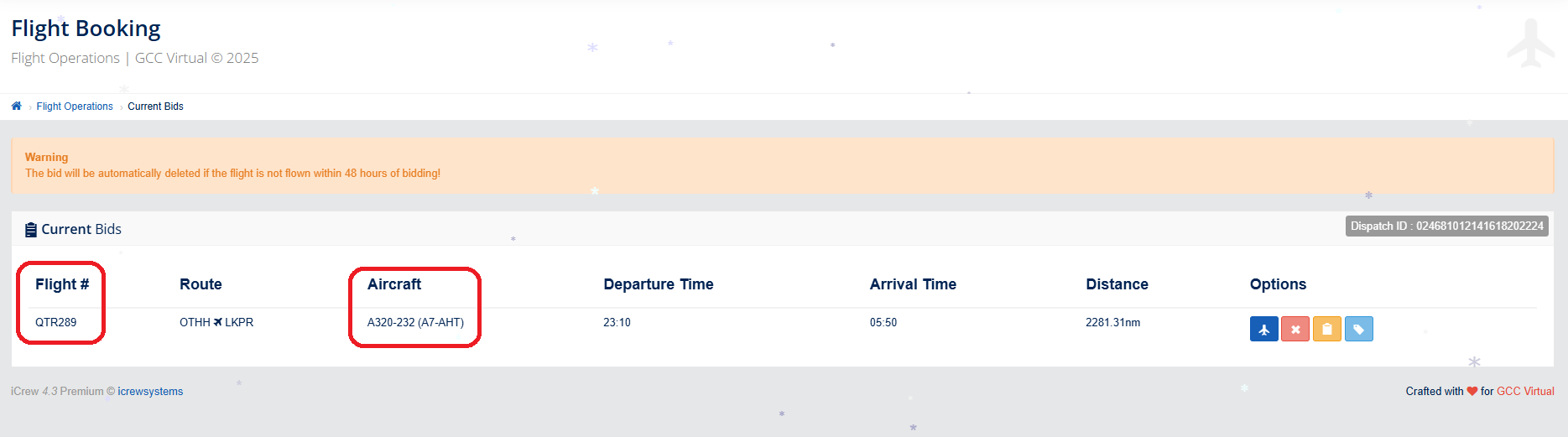
We have flight QTR289 booked from Doha to Prague. An A320 aircraft is actively used on this flight.
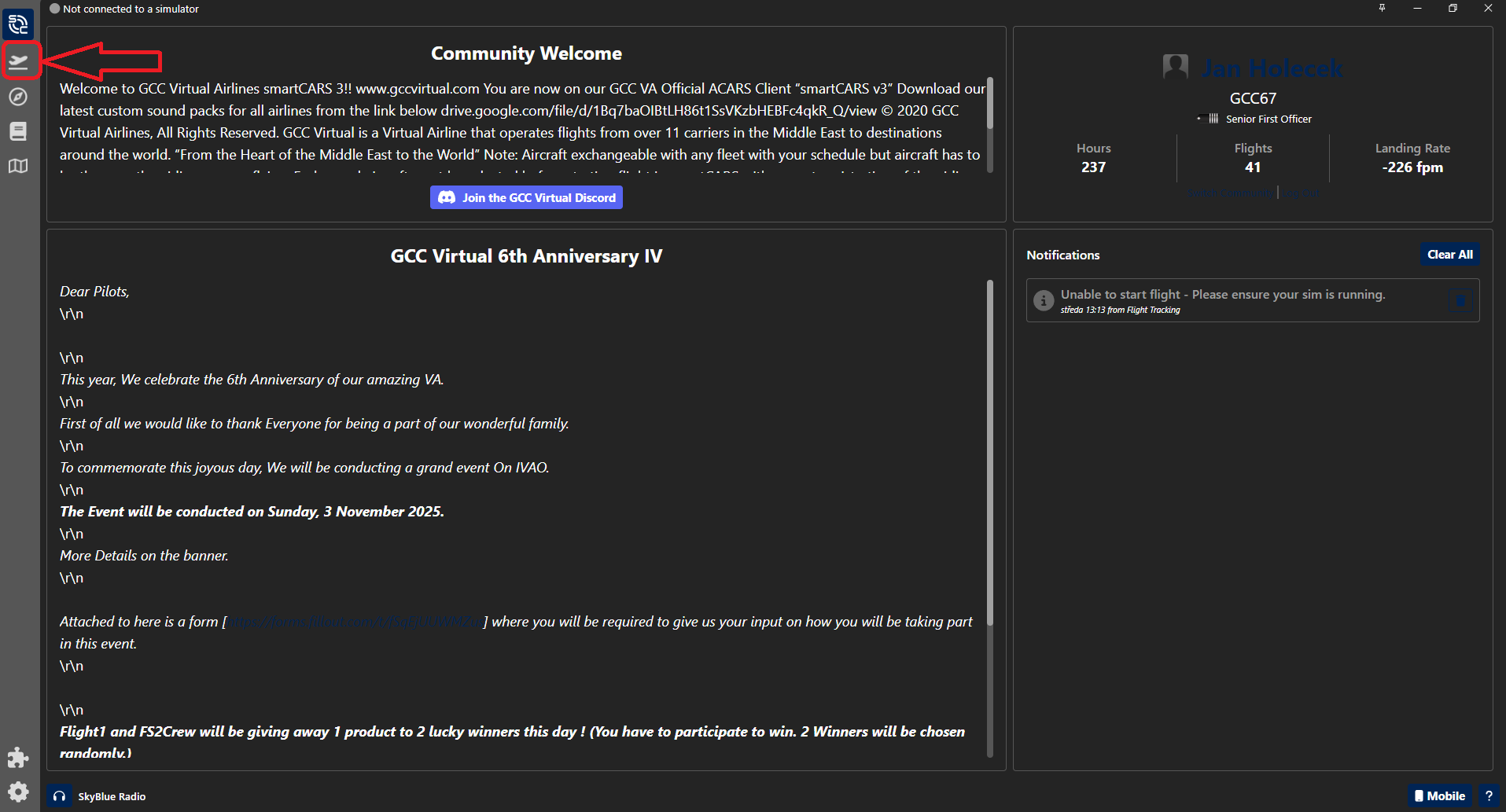
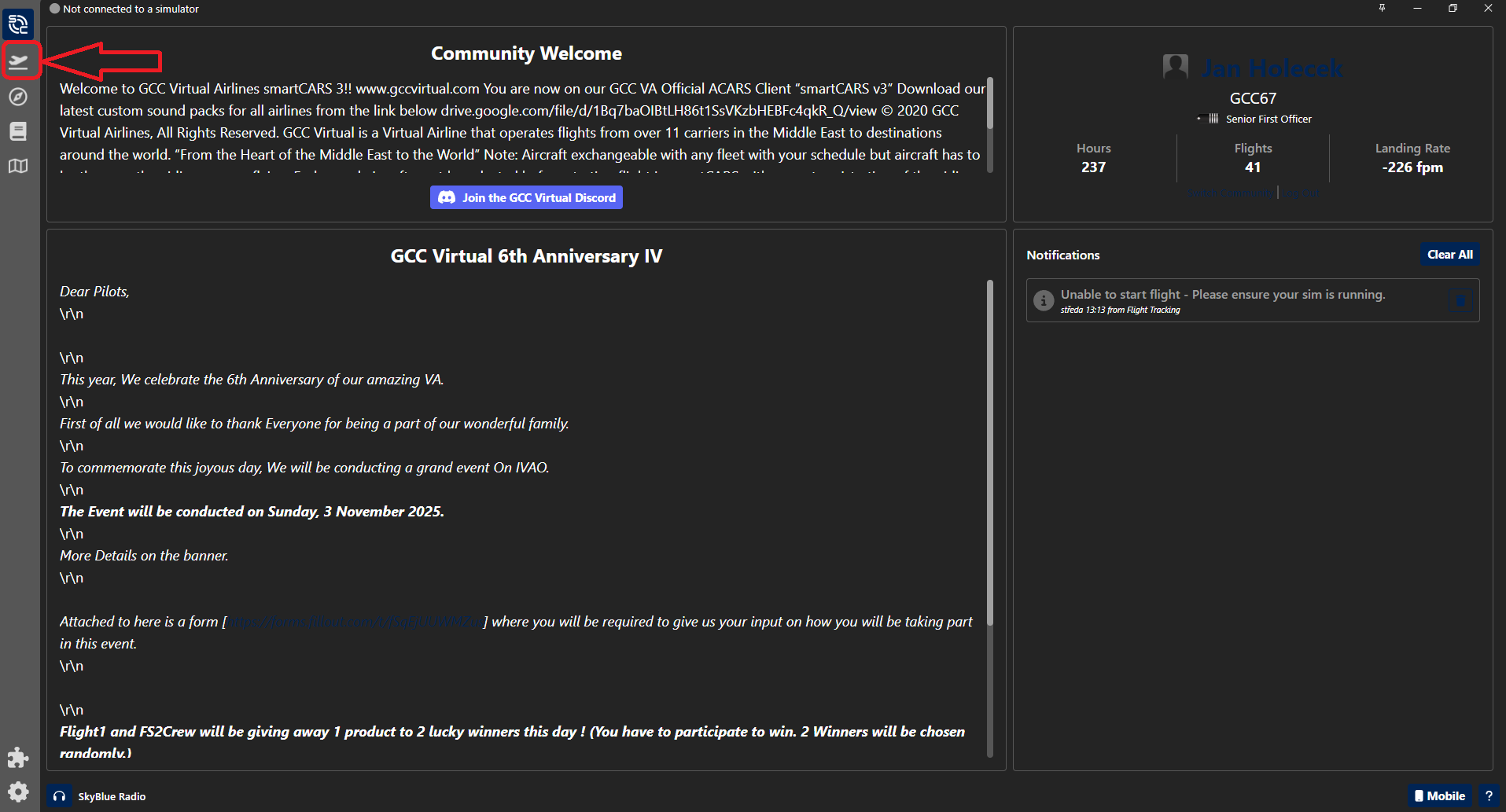
But during the planning I decided to use the B788. How do I do that? In SmartCARS, in the left menu, I select the "Flight Center" icon.
Here I will select the "Edit Aircraft" icon.

Then we find the plane we want to fly with. In our case, it will be the Boeing 788.
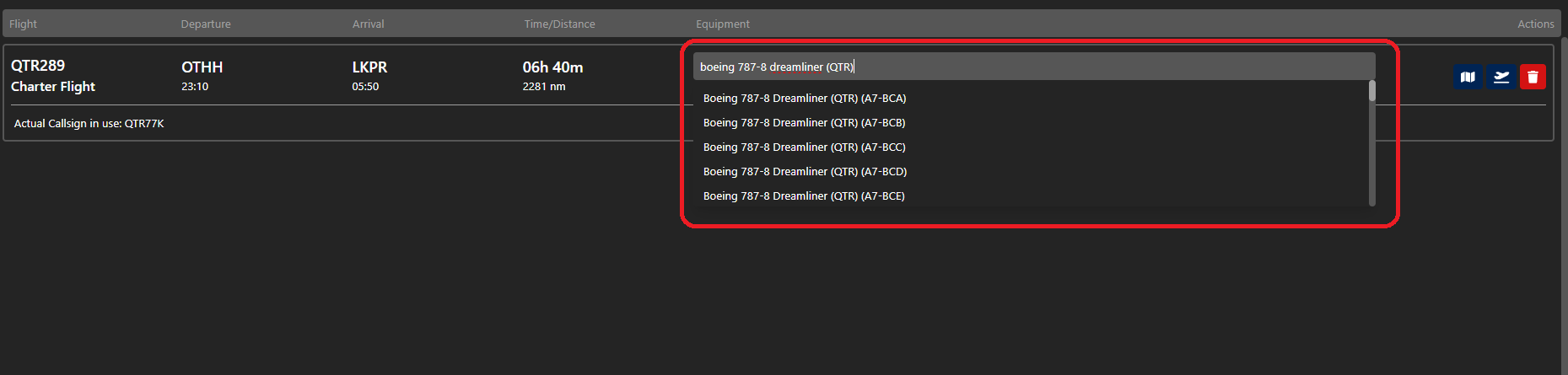
After selecting an aircraft, the booked flight will be edited according to the selected aircraft.

ALWAYS MAKE SURE YOU ARE FLYING ON AN AIRLINE THAT THE AIRLINE HAS IN THEIR FLEET.
IF YOU FLY ON AN EMIRATES FLIGHT WITH A BOEING 738, YOUR PIREP WILL BE REJECTED BECAUSE EMIRATES DOES NOT HAVE A B738!!
Use Fleet Tracker to verify the airline and aircraft here