
Screenshot center

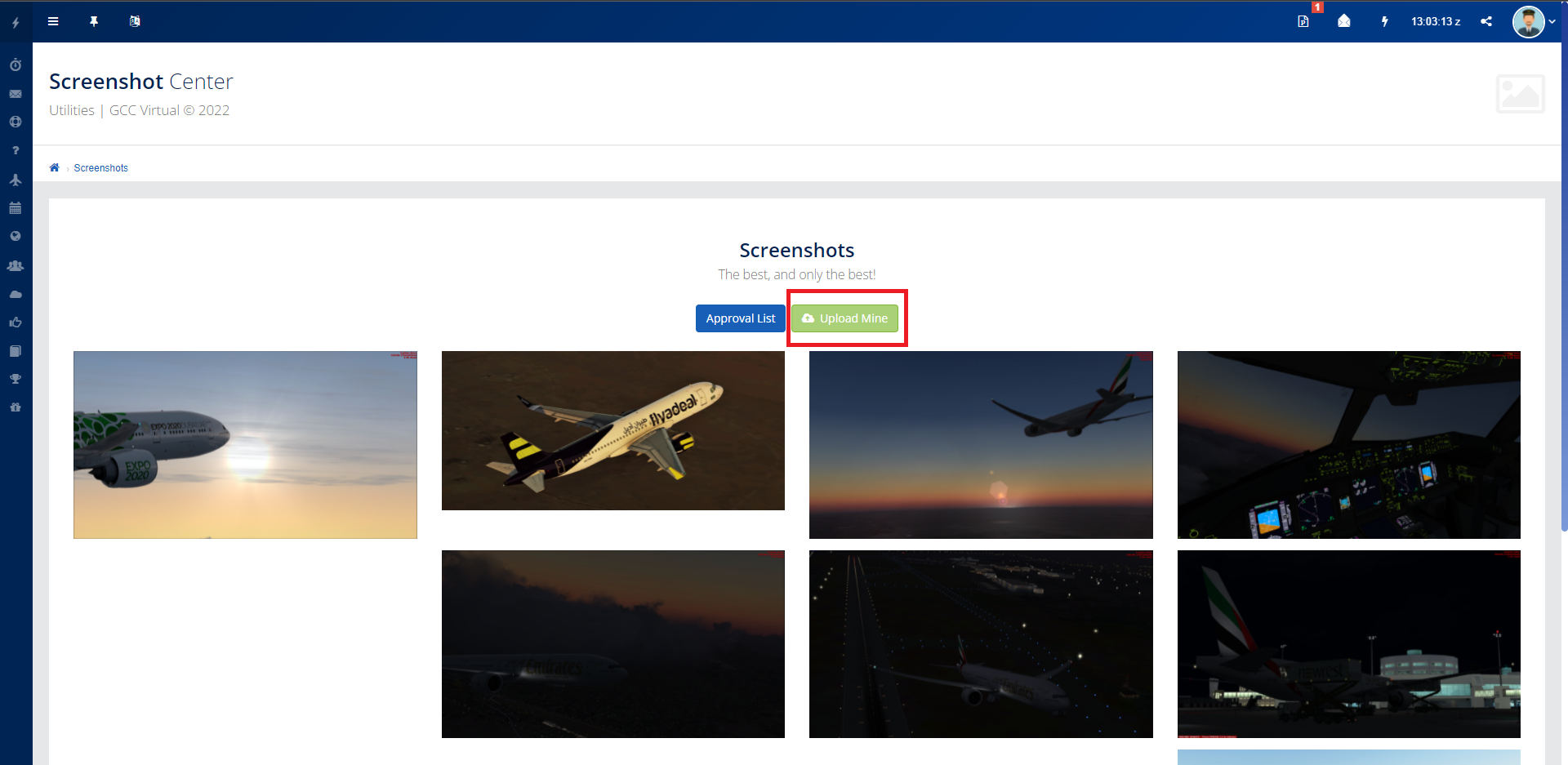
If you want to publish your screenshot, just go to the Screenshot Center, click on the button: "Upload Mine". Select your image here, if you want you can also fill in some description. Once completed, just send. But before your contribution is published, it must first be approved by our PR Department.
Publication rules:
-
Upload must ONLY be a flight simulator screenshot.
-
Uploading screenshots of liveries other than that of the fleet of GCC Virtual will be treated as spam and deleted!
-
By uploading your screenshot to the GCC Virtual database, you give your full consent for the staff to use your screenshot for media purposes.
-
You will be given full credit, if the staff decides to use your upload on the website or on their social media accounts.