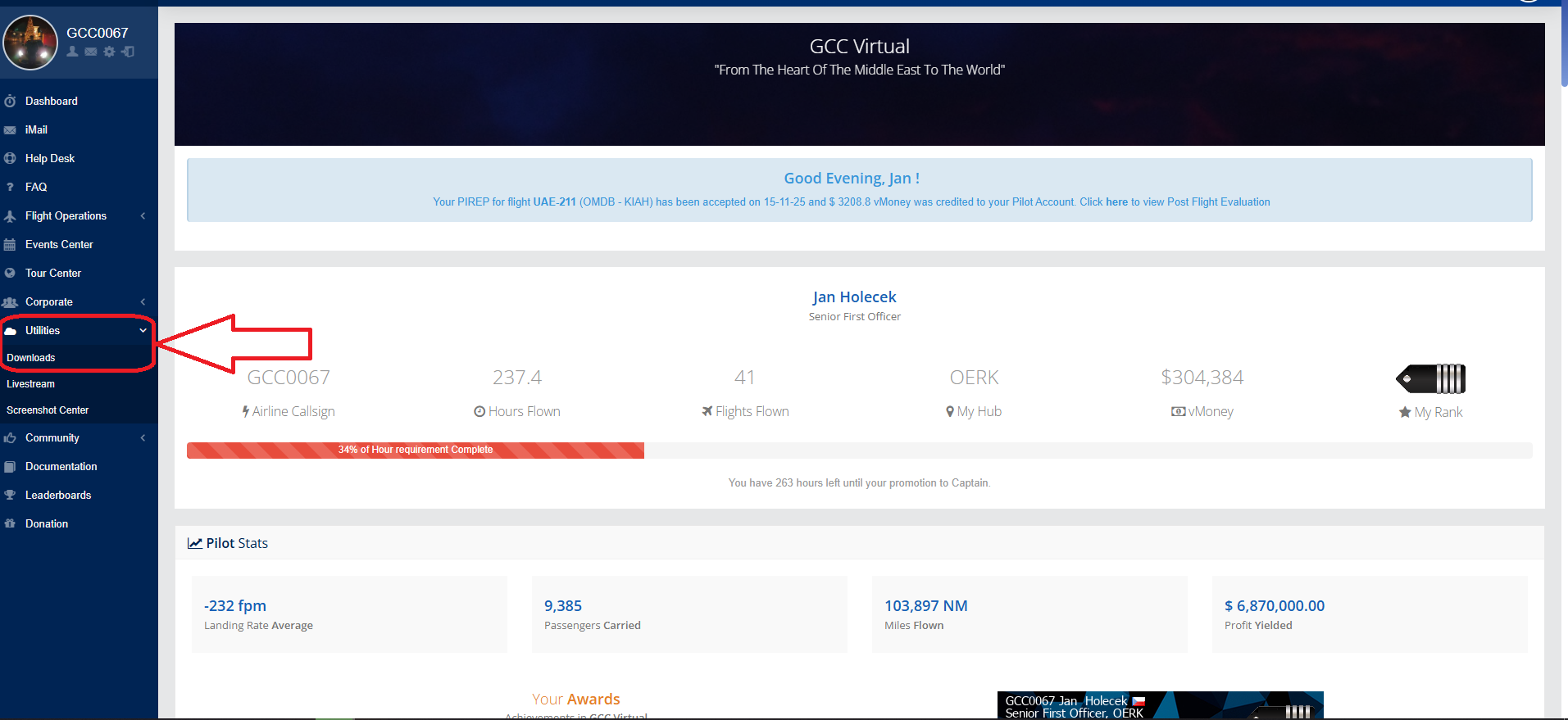
SmartCars is a program that records your flights. It can be downloaded from the ICrew Center. In the menu on the left there is a tab Utillities --> Download
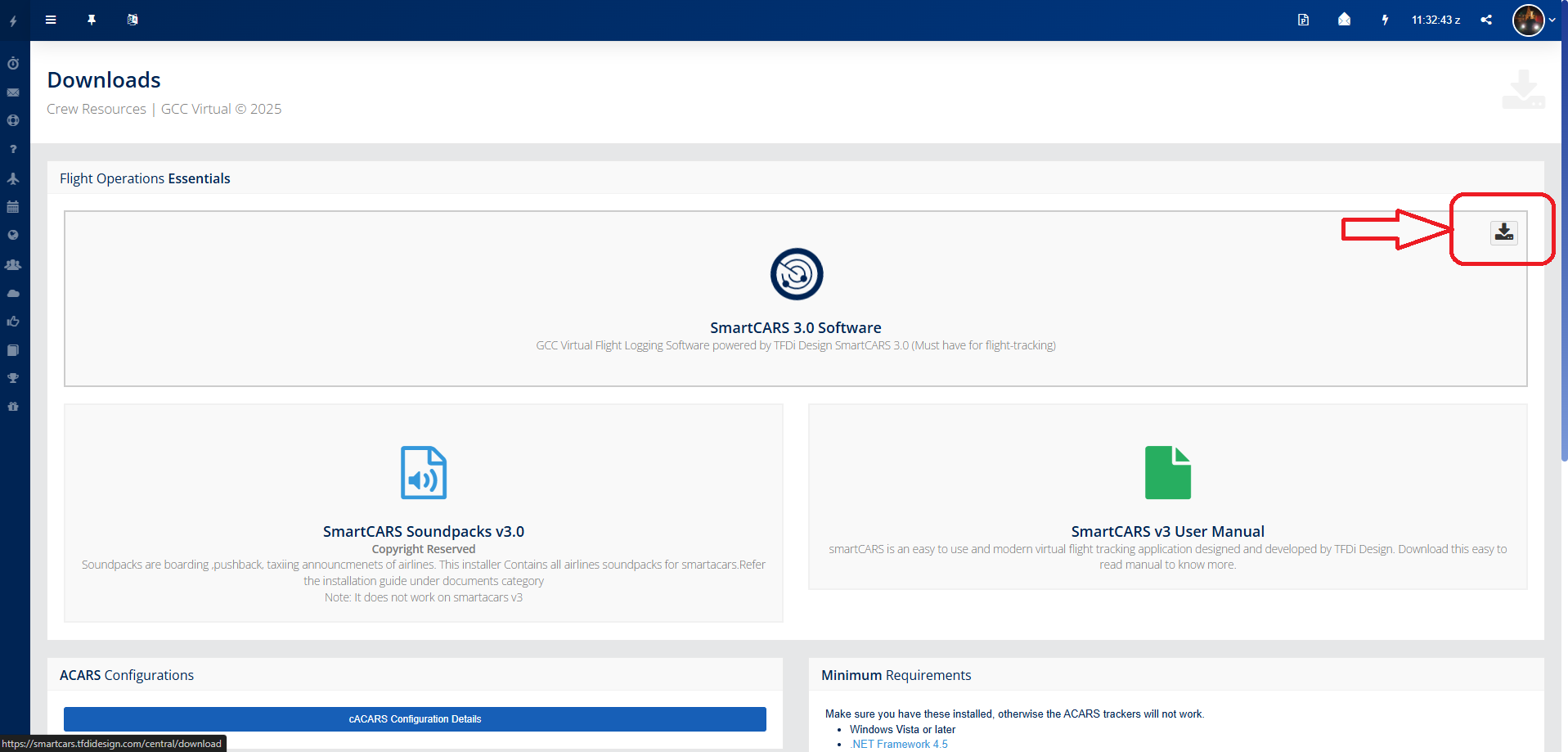
After clicking on the link, you will see the Download section of GCC Virtual. To download SmartCars, just click on the "Download" icon.
First Opening
After downloading and installing, SmartCARS will open. When you open it for the first time, the program will ask you if you have a TFDi account.
You do not need a TFDi account for flying purposes
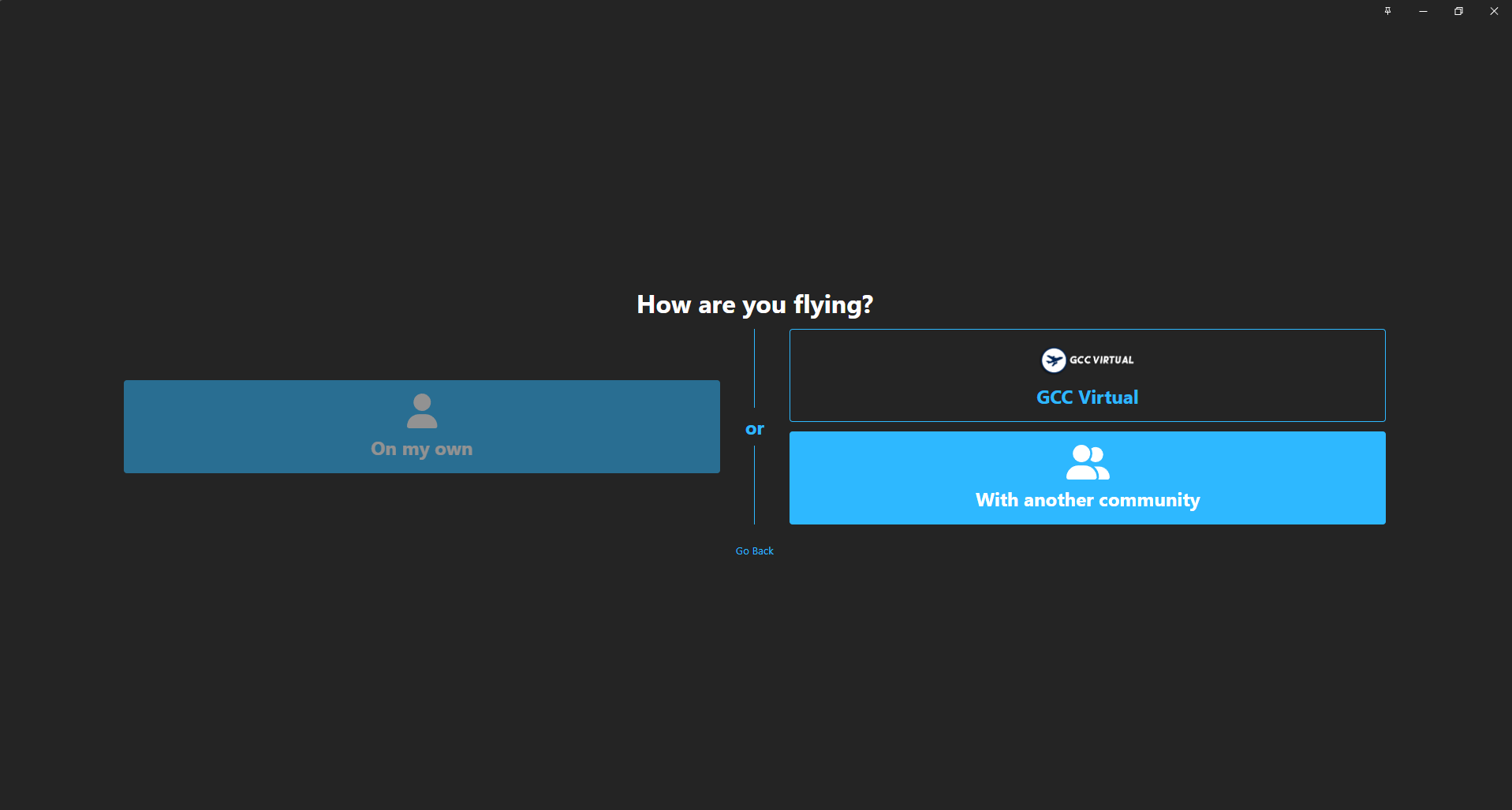
If you do not have an account, select "Skip TFDi Design Login". After selecting, a menu will appear with two tabs "On my own" and "With another community".
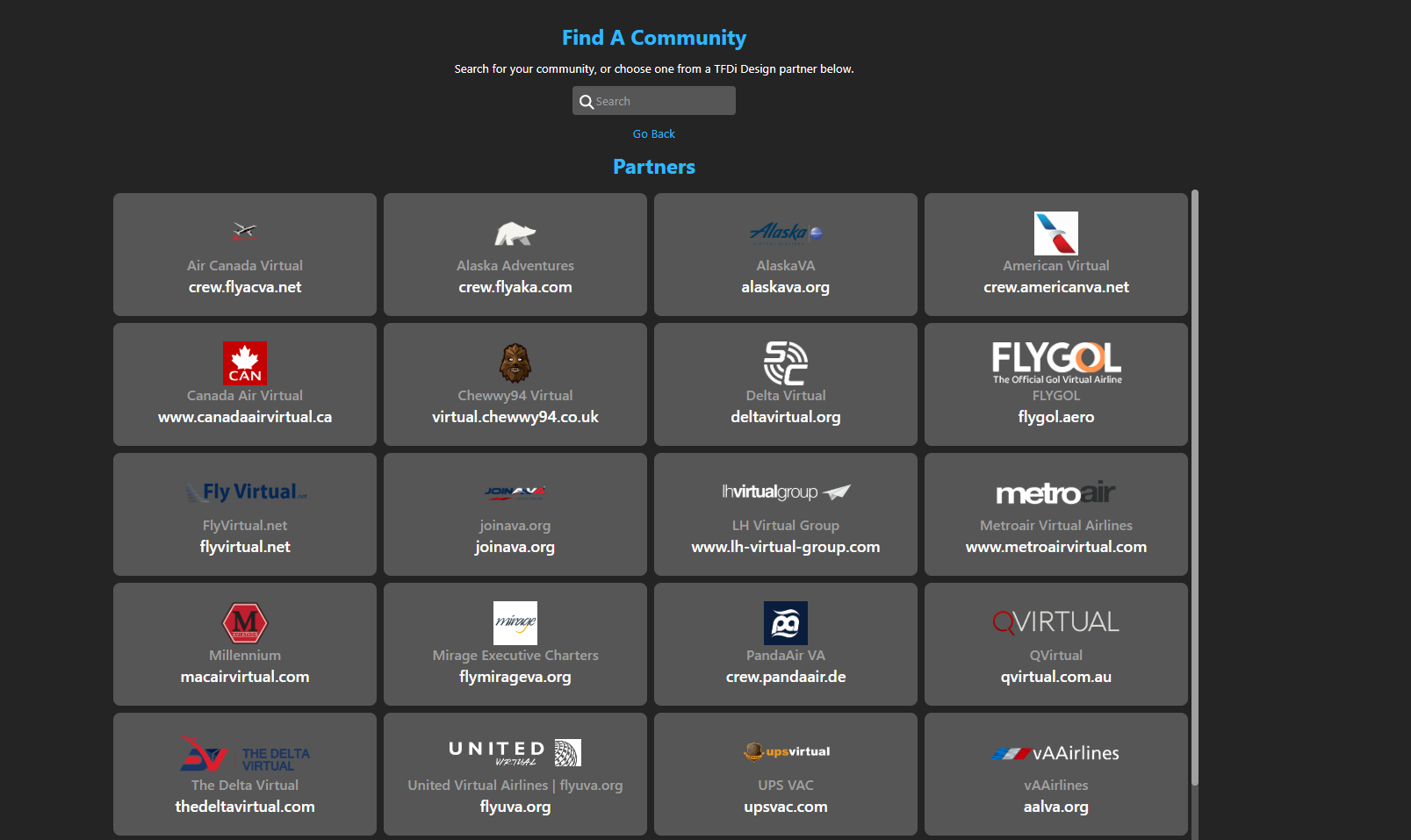
If you do not have GCC Virtual added, just click on "With another Community". A list of Virtual Airlines will appear.
To find our VA, type "GCC" in the search field
After clicking, just log in with your login details and you can fly. This is what the SmartCARS 3 interface should look like when you log in to GCC Virtual.





No Comments