Skip to main content
Soundpack installation
General:
To get closer to reality, we will now install the SmartCARS package, which contains Cabin Crew reports for individual airlines.
Soundpack download
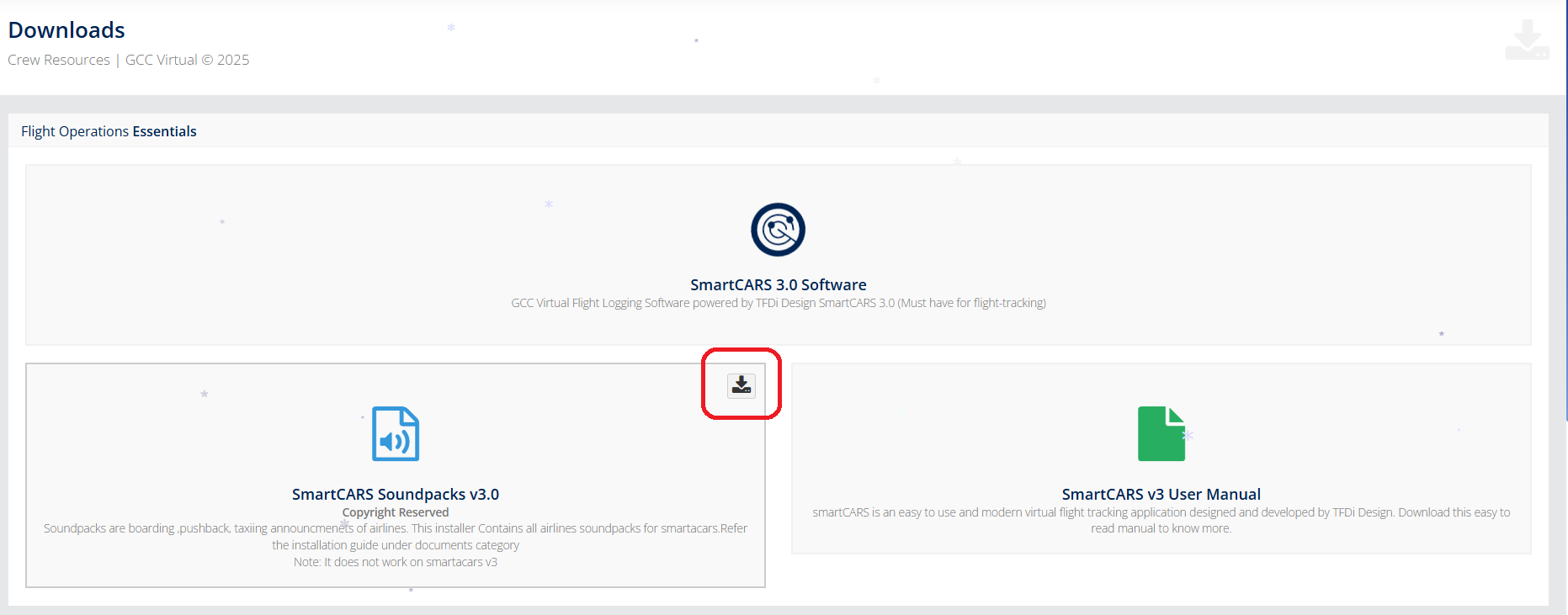
To download the Soundpack, we need to go to the main page. Now in the left menu, select the "Utilities" tab and select the Download item.
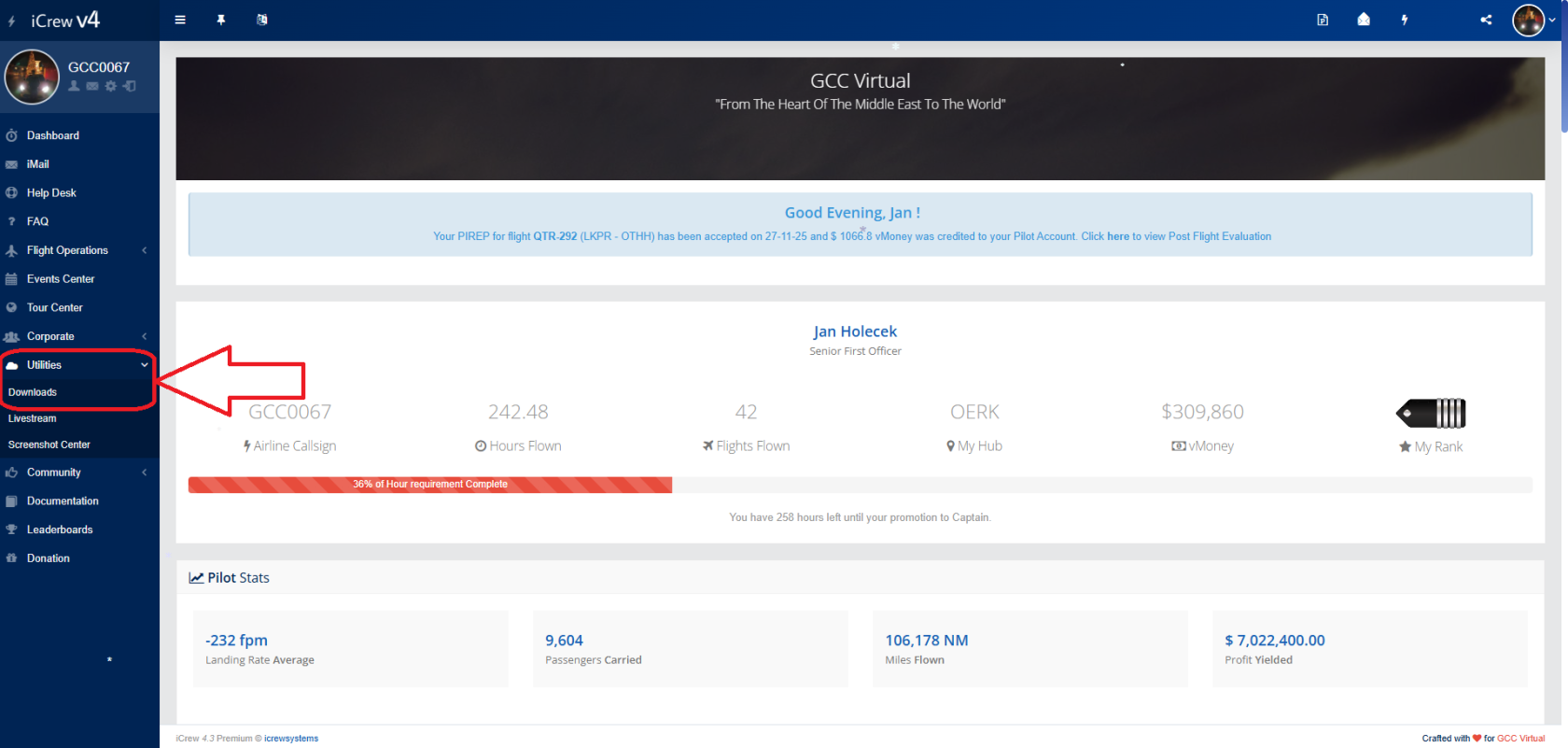
Now click on the download icon.

Download plugin:
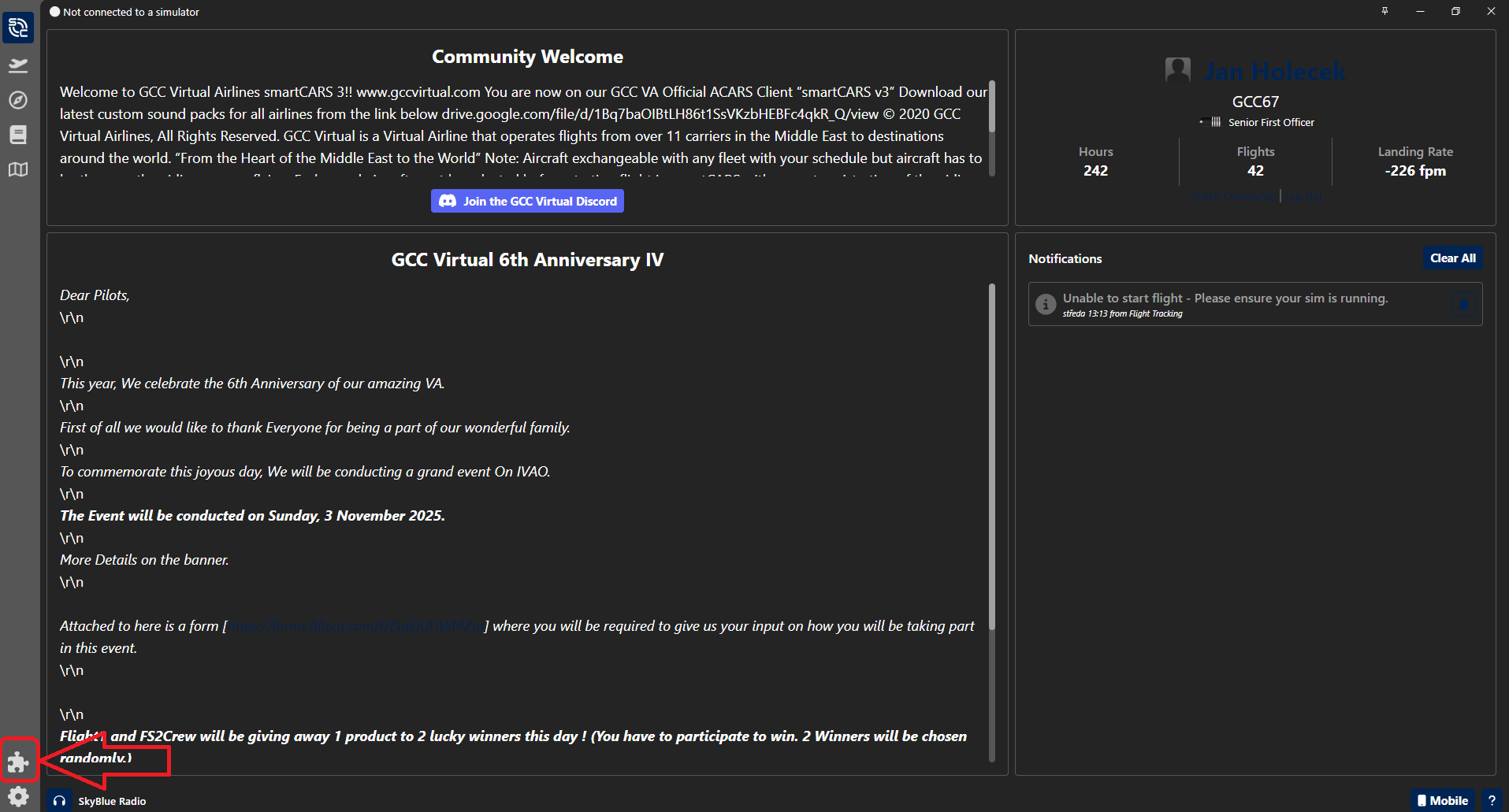
In order for Cabin Crew to work properly, we need to install a plugin in SmartCars. Open SmartCARS and select the "Plugins" icon
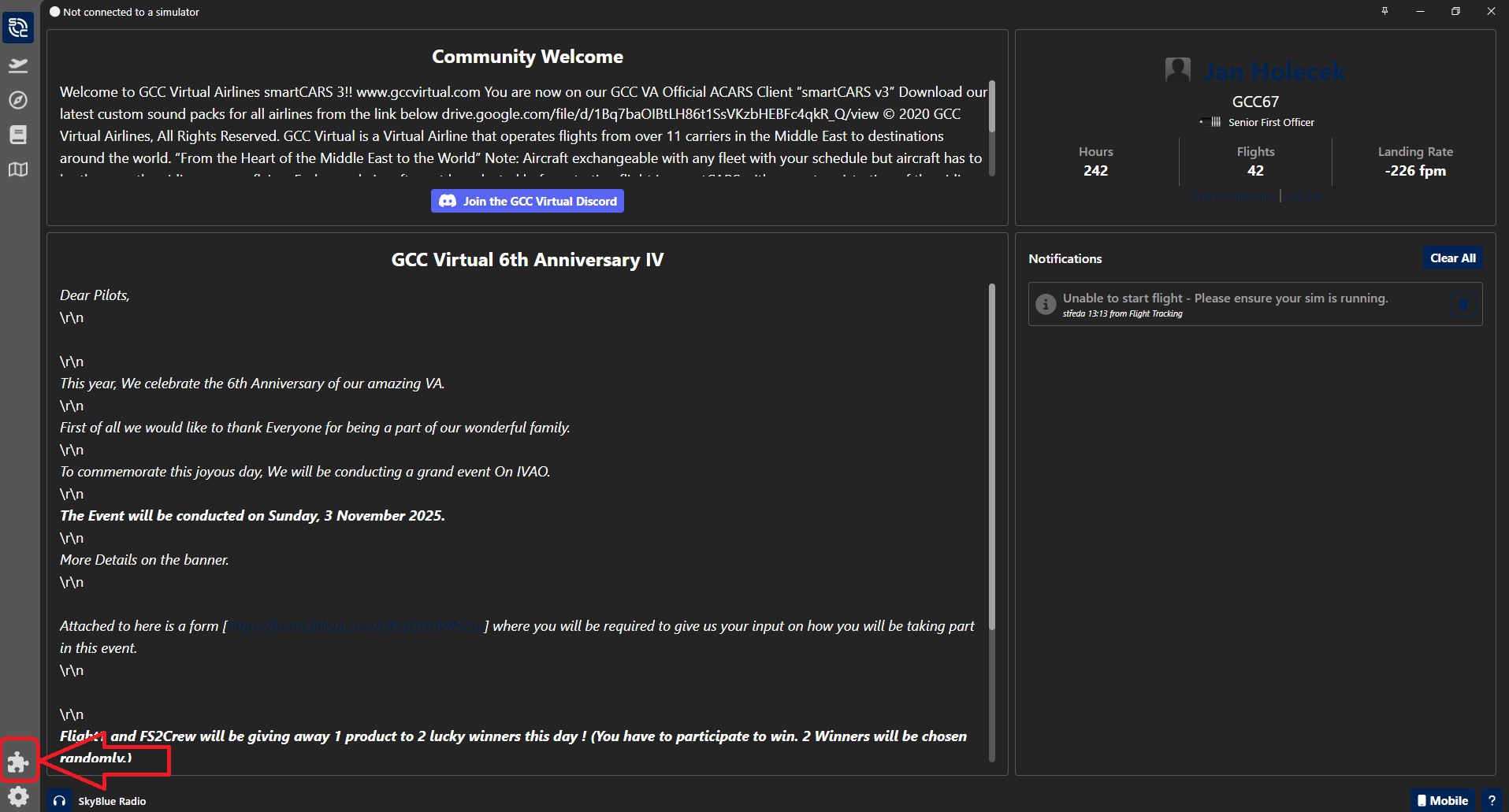
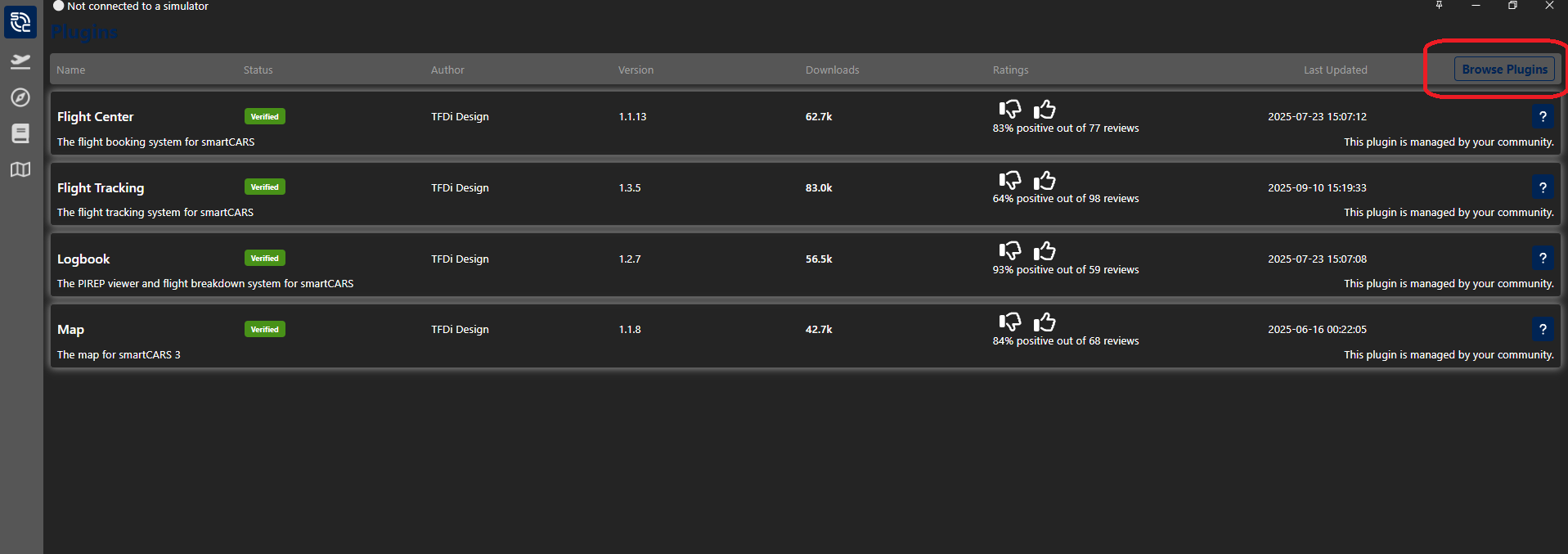
Here we select "Browse Plugins"
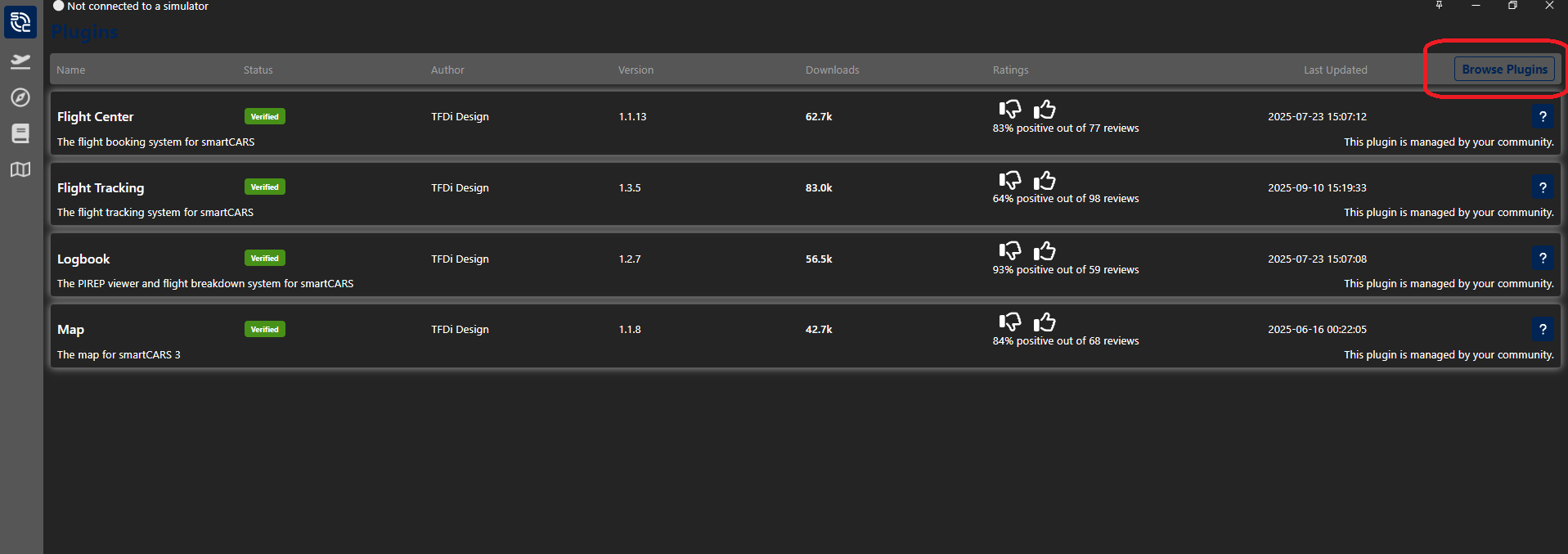
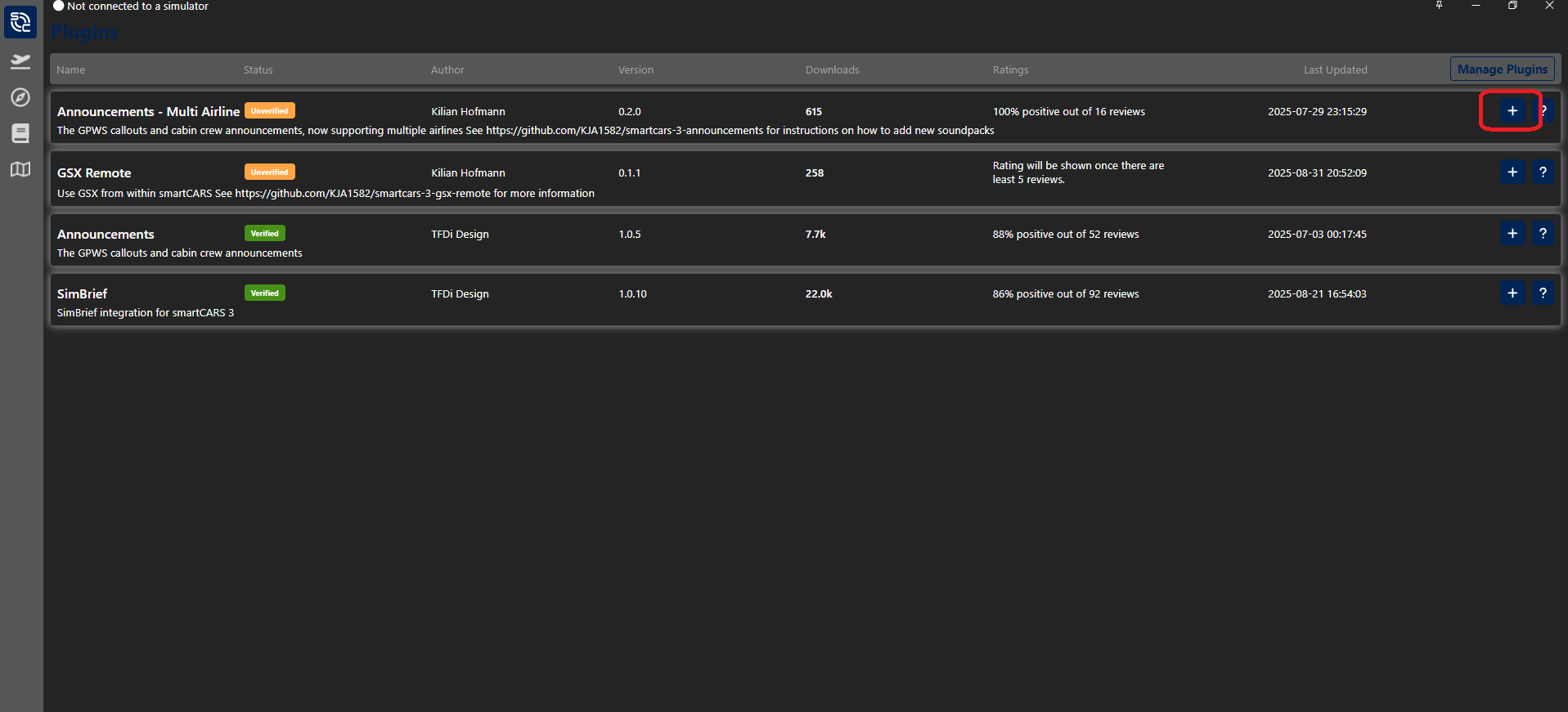
We find a plugin called: "Announcements - Multi Airline", when we find it we put the + icon.
Inserting a Soundpack into SmartCARS:
Now we have the Soundpack downloaded and the plugin installed.
Now let's put it all together.
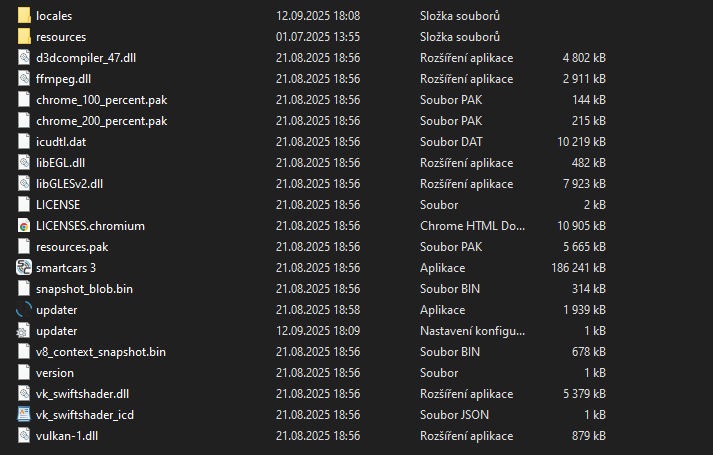
We will go to the root folder where we have SmartCARS installed.
Appdata --> Local --> TFDi Design --> smartCARS
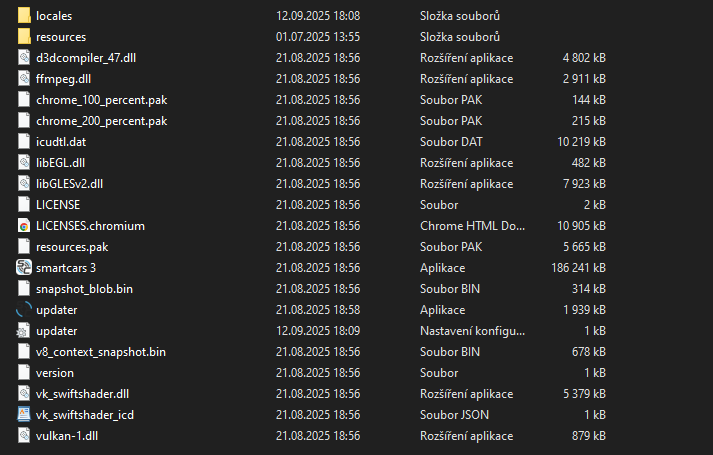
Here we will go to the folder where the plugin is installed:
Appdata --> Local --> TFDi Design --> smartCARS --> resources --> app --> dist --> plugins --> com.khofmann.announcements --> background --> soundpacks
Copy all the folders in the ZIP file to this folder.




No Comments